The screens
What a parent sees, and what a child sees
One school, two logins. A parent signs in with their email and follows every child; a child signs in with their Child ID and does the work. These are the real screens of the app on a phone, filled with a sample family: Meera Rao and her daughter Aanya in Level 2.
Sample data. Names, marks and the timetable are made up for this page; nothing here is a real child's record.
For the parent
Follow every child from one login
Admission, the day's classes, attendance, assignments and marks for each child, read-only. The child does the answering on their own login.
- See each child's admission, Child ID and login card
- Follow today's classes and the week ahead
- Read the teacher's note after each class
- Check attendance month by month, per subject
- Read every assignment and its marks
- See how well each topic is known
- Register another child, or ask for access to one
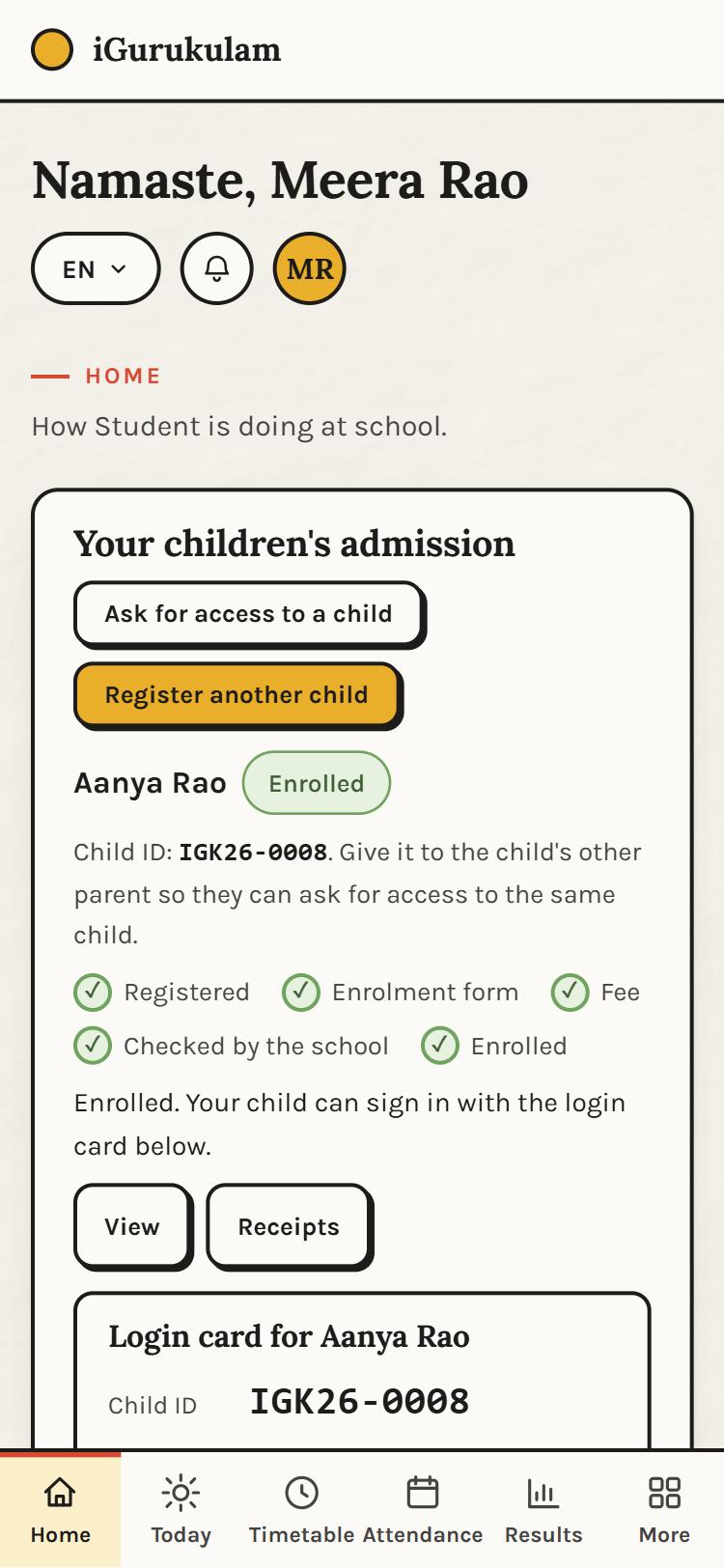
HomeEach child's admission at a glance: the five steps, the Child ID to share with the other parent, the login card and receipts. Register another child or ask for access to one. 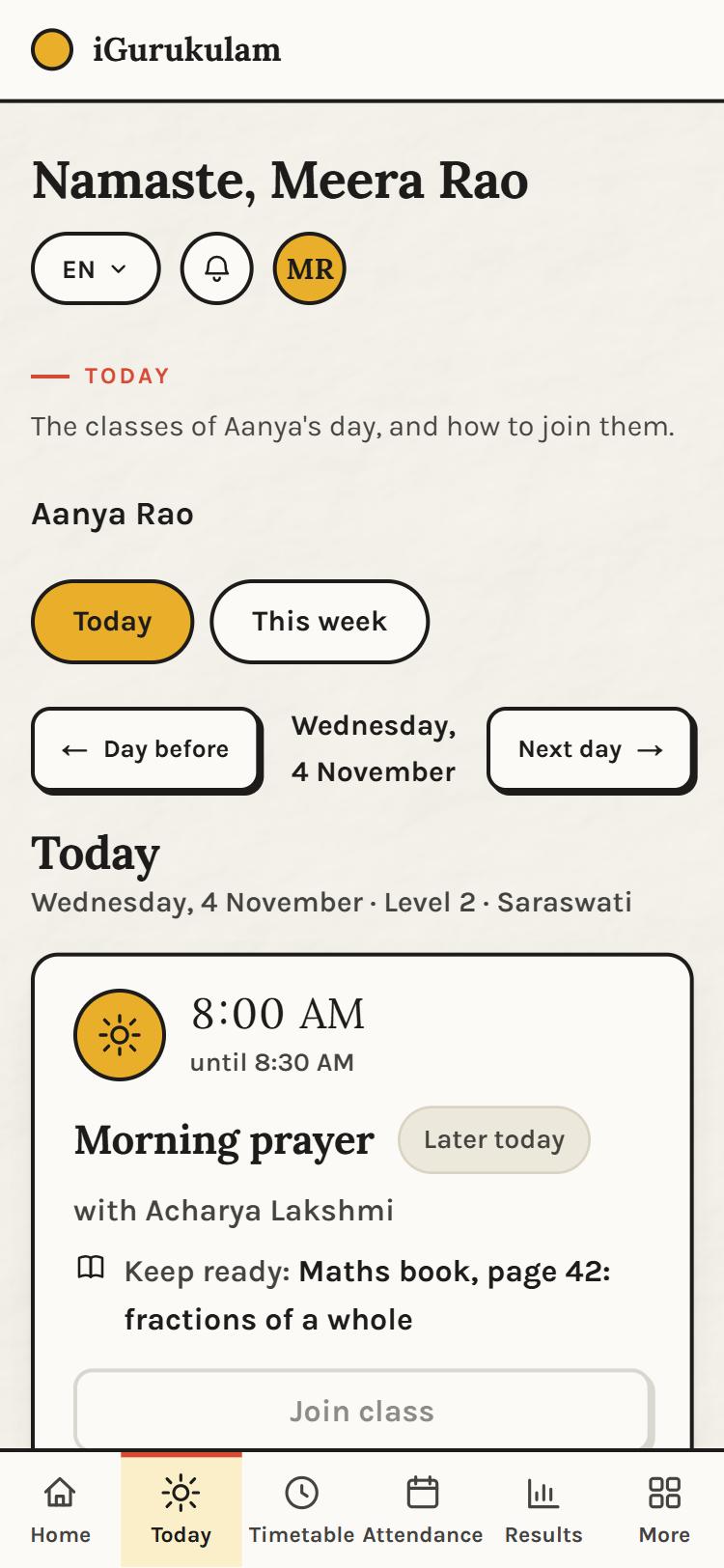
TodayThe child's classes in order with the time, the teacher, what to keep ready, and the Join button that opens ten minutes before class. 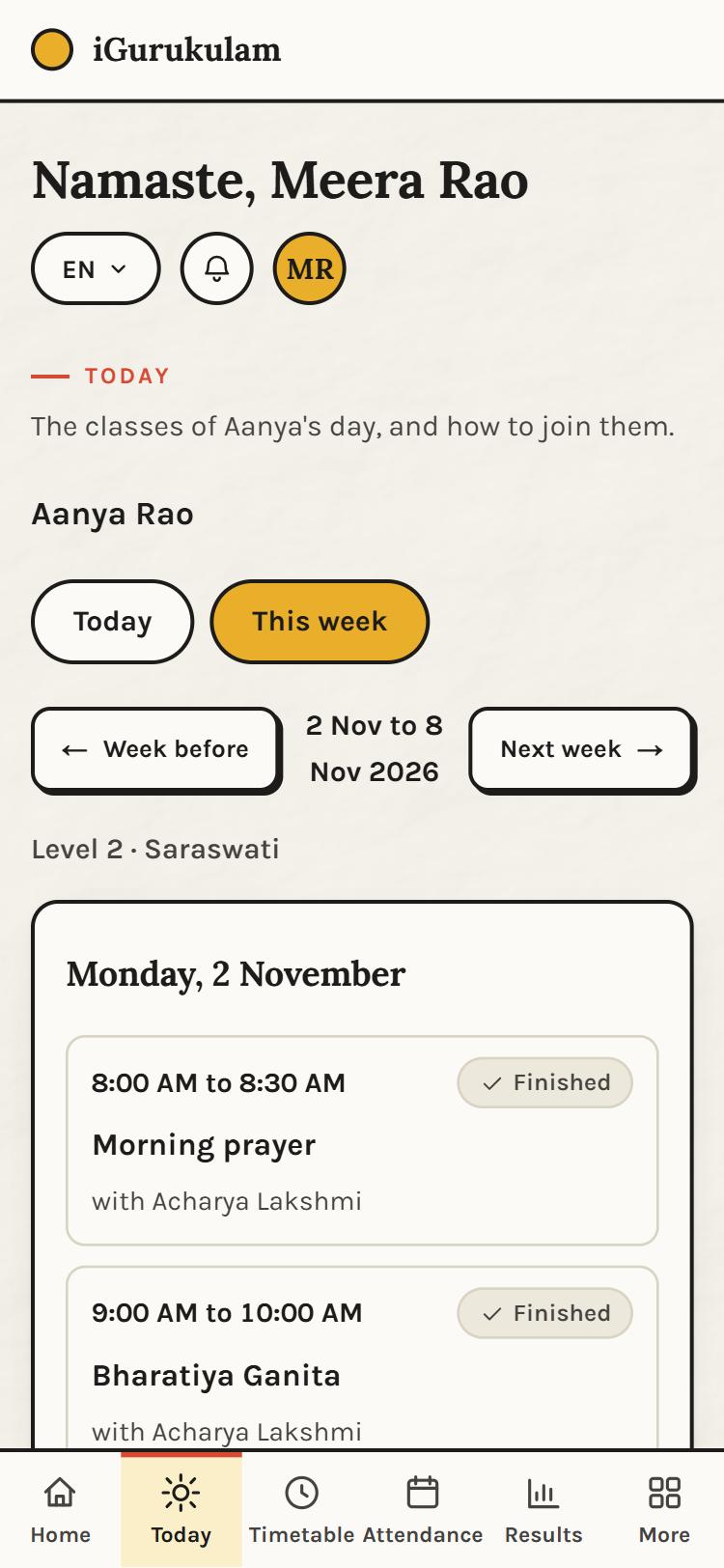
This weekThe whole week day by day, finished classes ticked, and any change of time shown where it happens. 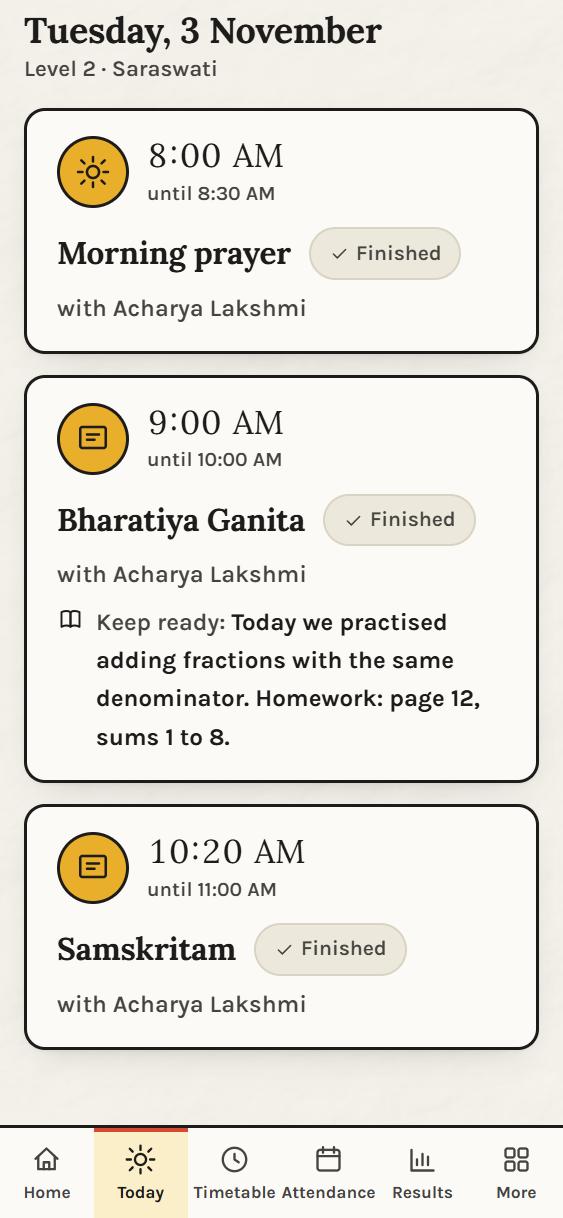
After the classYesterday, every class ticked off, with the teacher's note of what was done and the homework set. 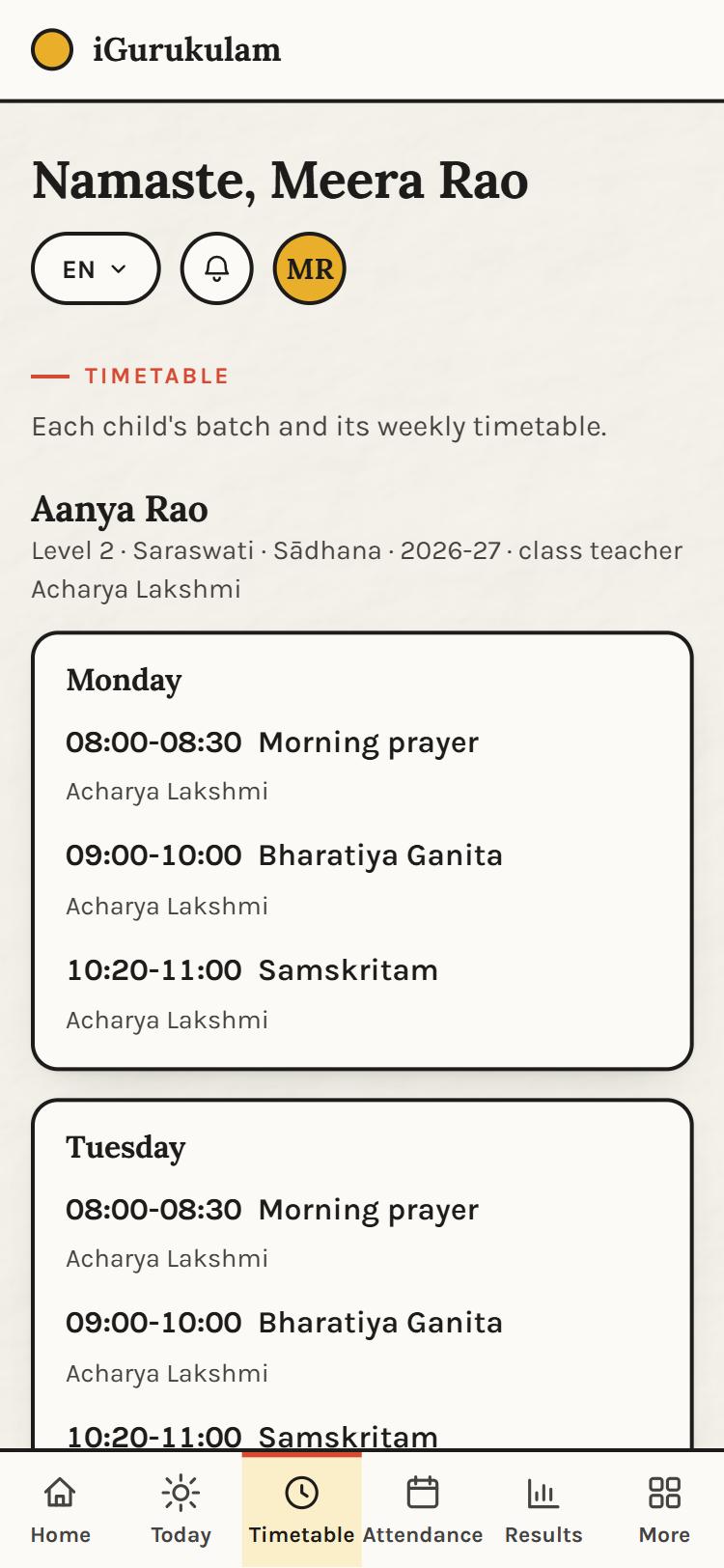
TimetableThe batch's weekly timetable: morning prayer, each subject, its time and its teacher, and the class teacher's name. 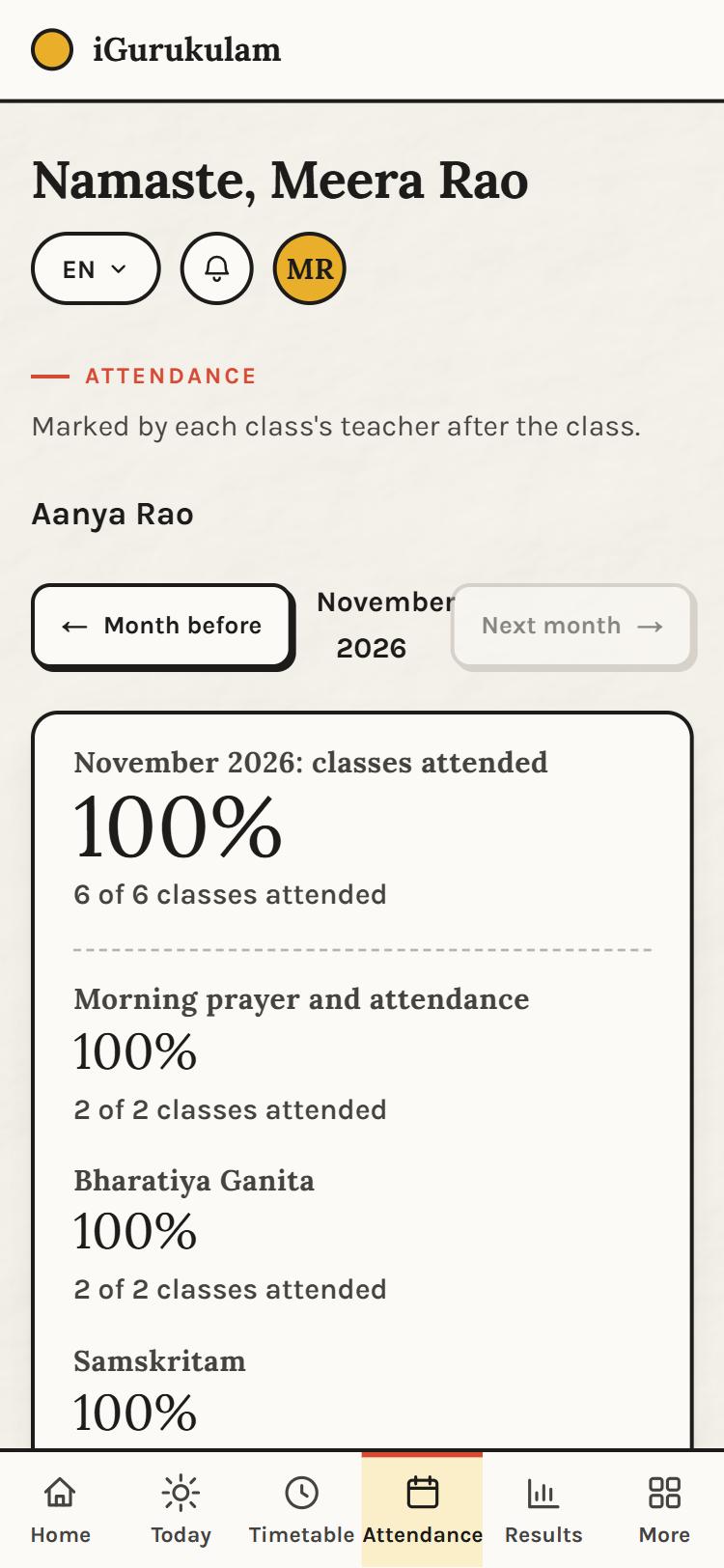
AttendanceMonth by month: classes attended overall and per subject, as marked by each class's teacher after the class. 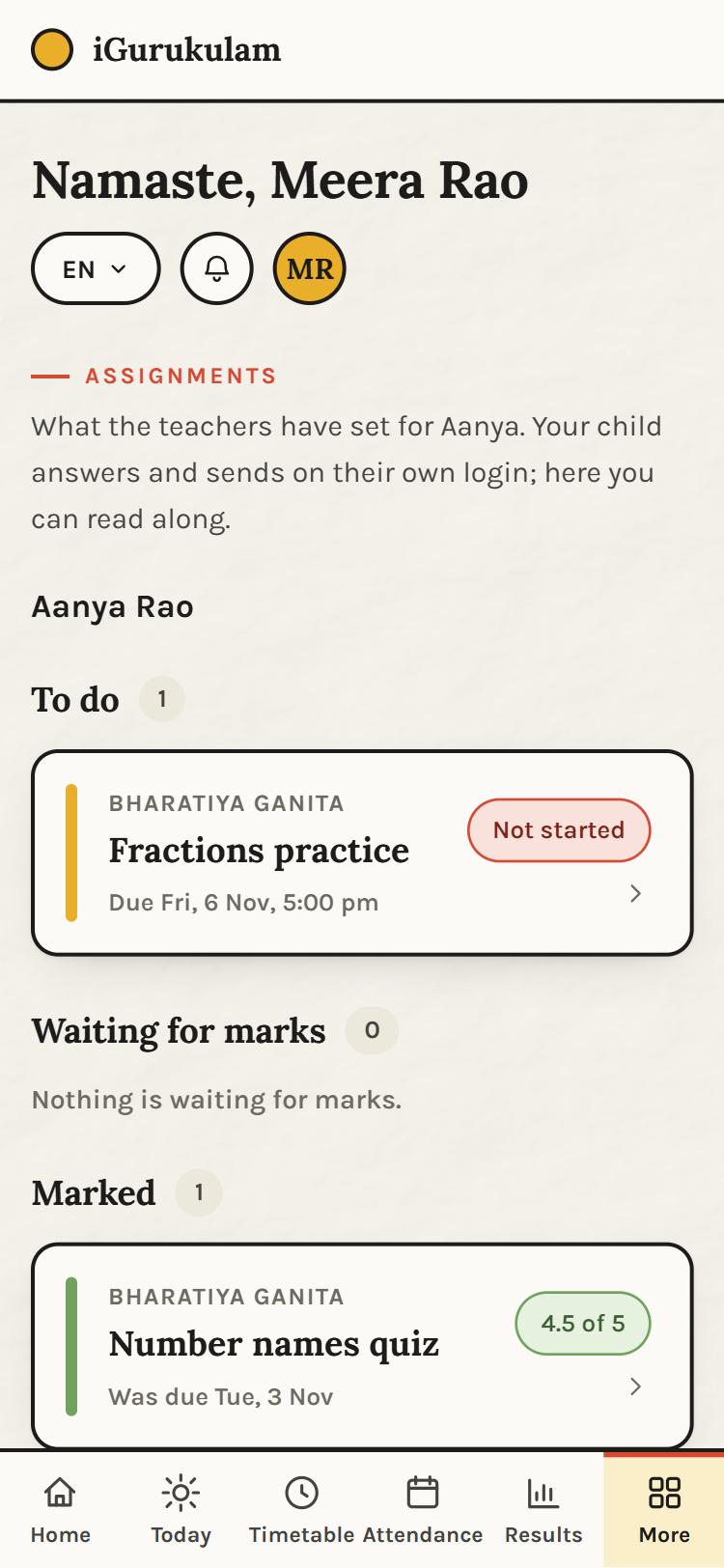
AssignmentsWhat the teachers have set, in three lists: to do, waiting for marks, marked. The parent reads along; the child answers on their own login. 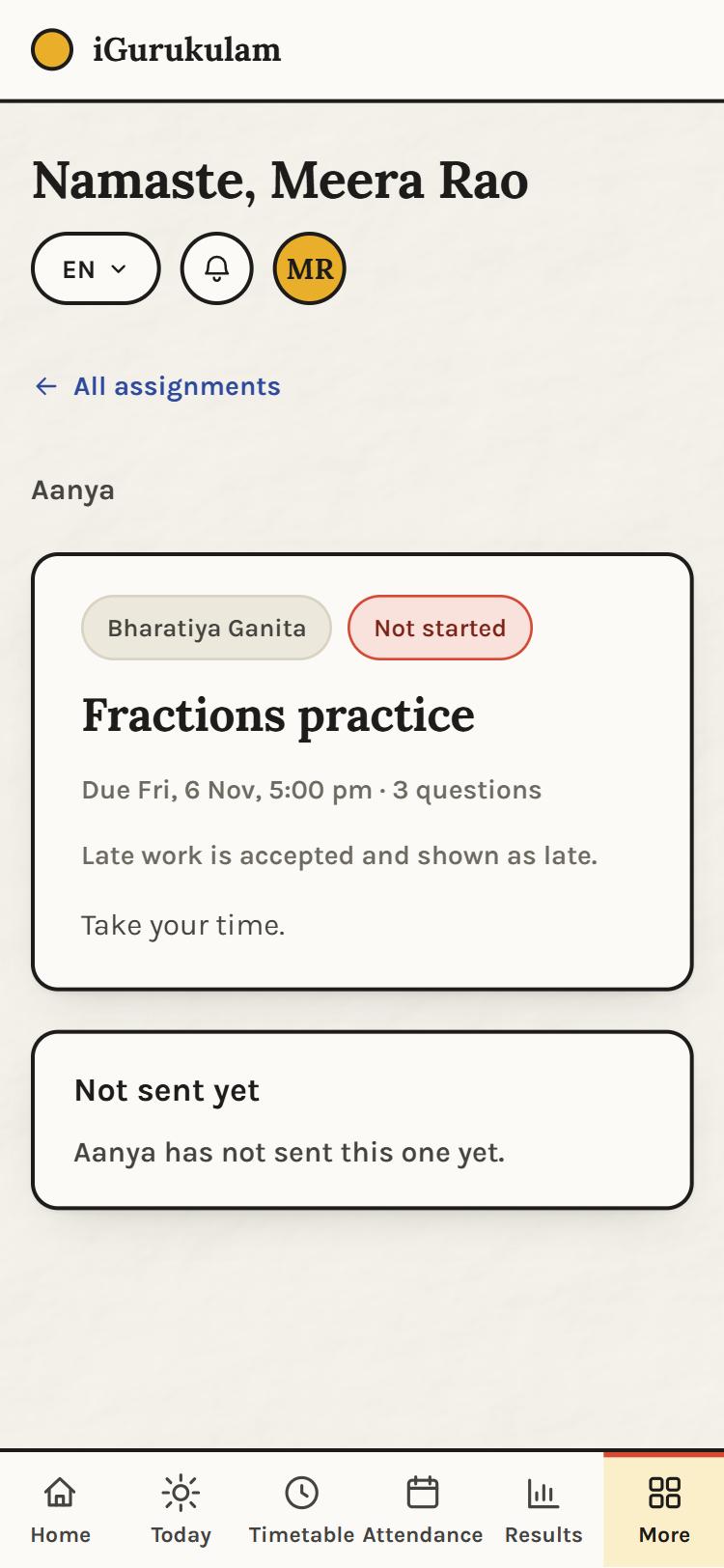
One assignmentThe due date, the number of questions, the late-work rule, and whether the child has sent it. 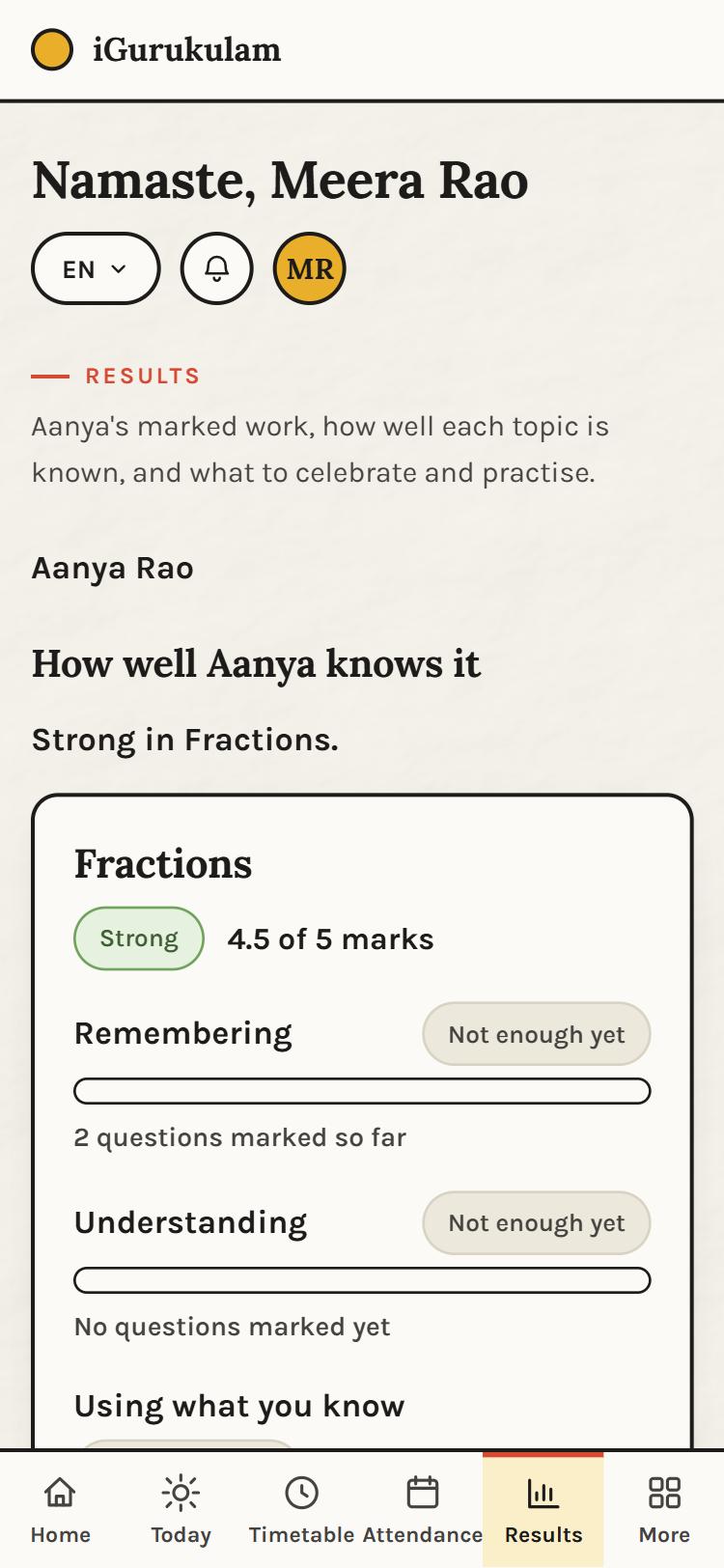
ResultsHow well the child knows each topic, by kind of thinking: remembering, understanding, using what you know. It fills in as work is marked. 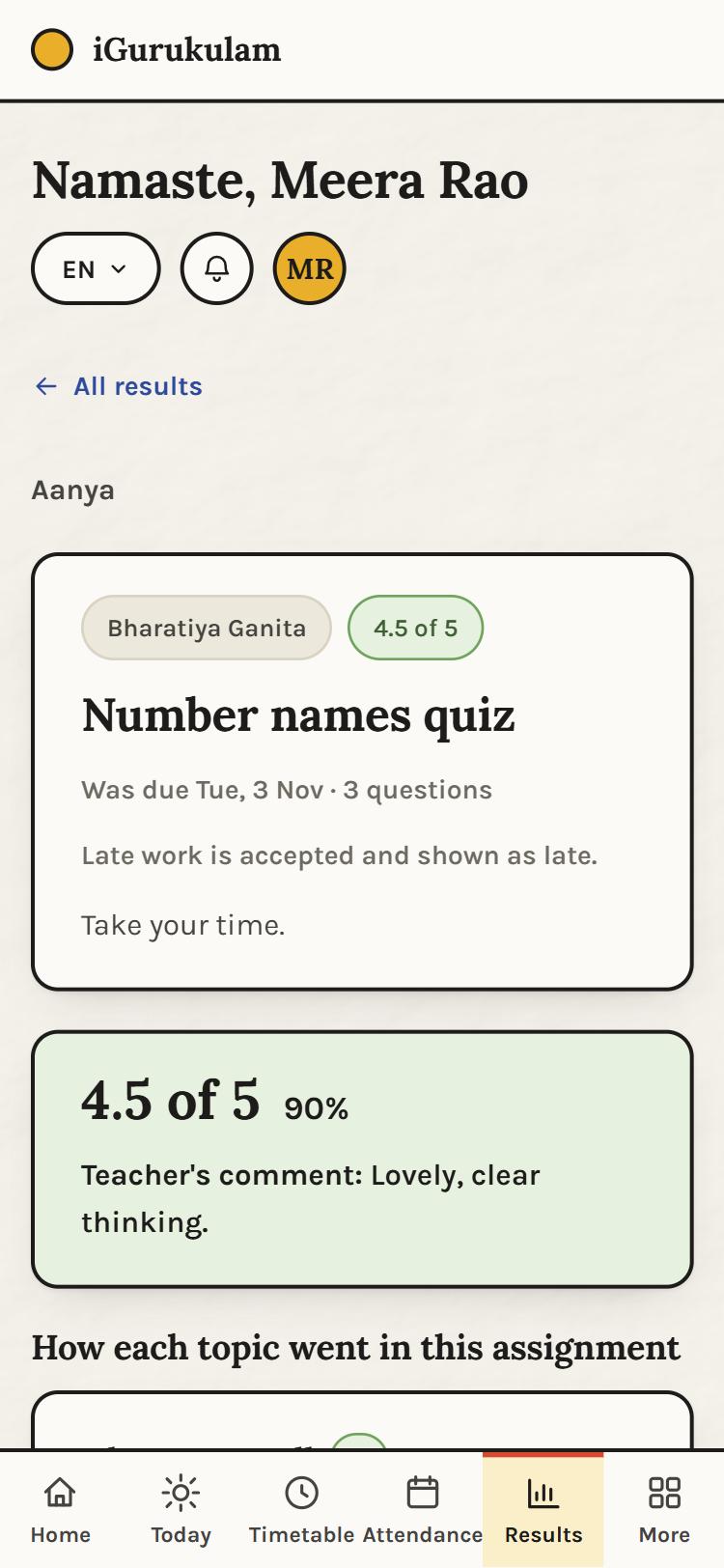
A marked assignmentThe marks, the percentage, the teacher's comment, and how each topic went in that piece of work. 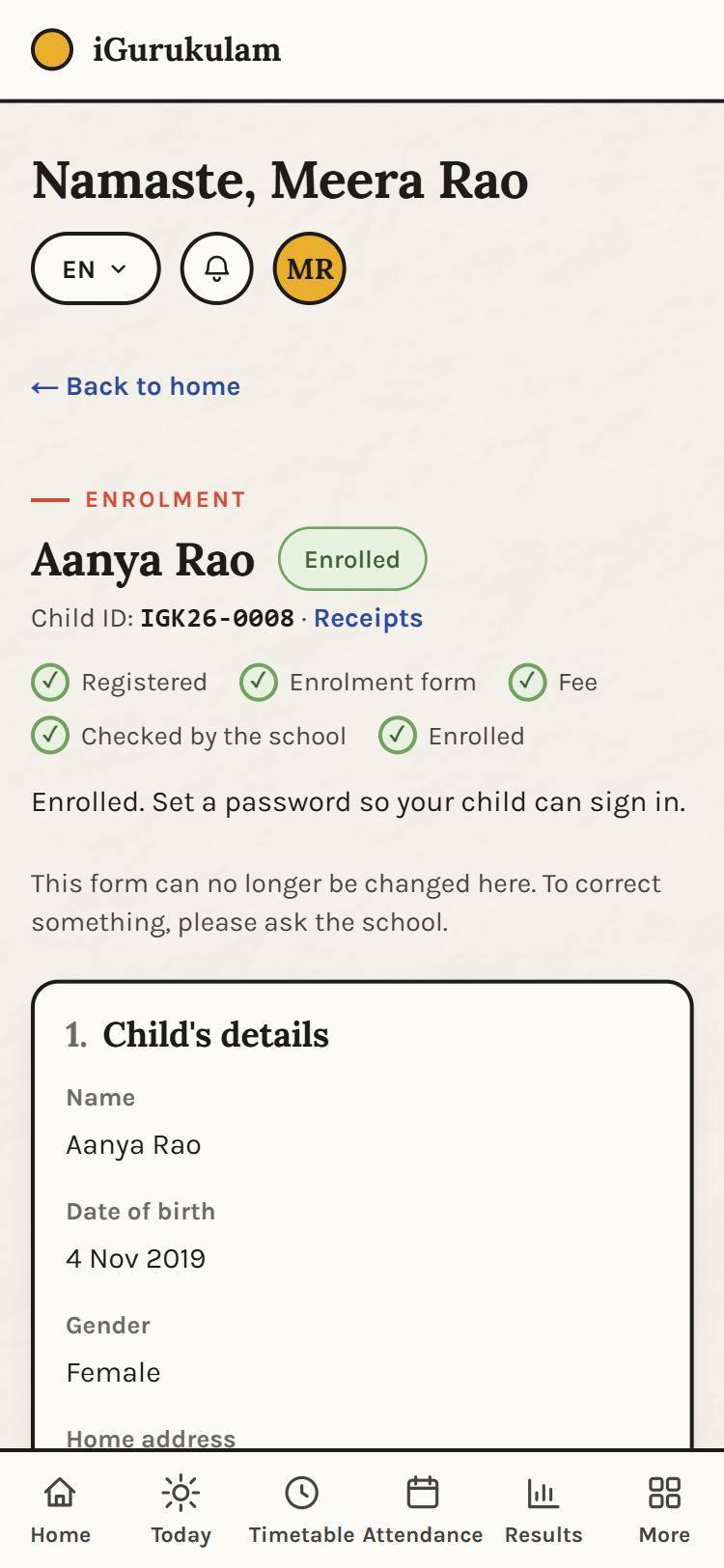
EnrolmentThe enrolment form as submitted, the five steps, the Child ID and the receipts. Once the school has checked it, changes go through the school. 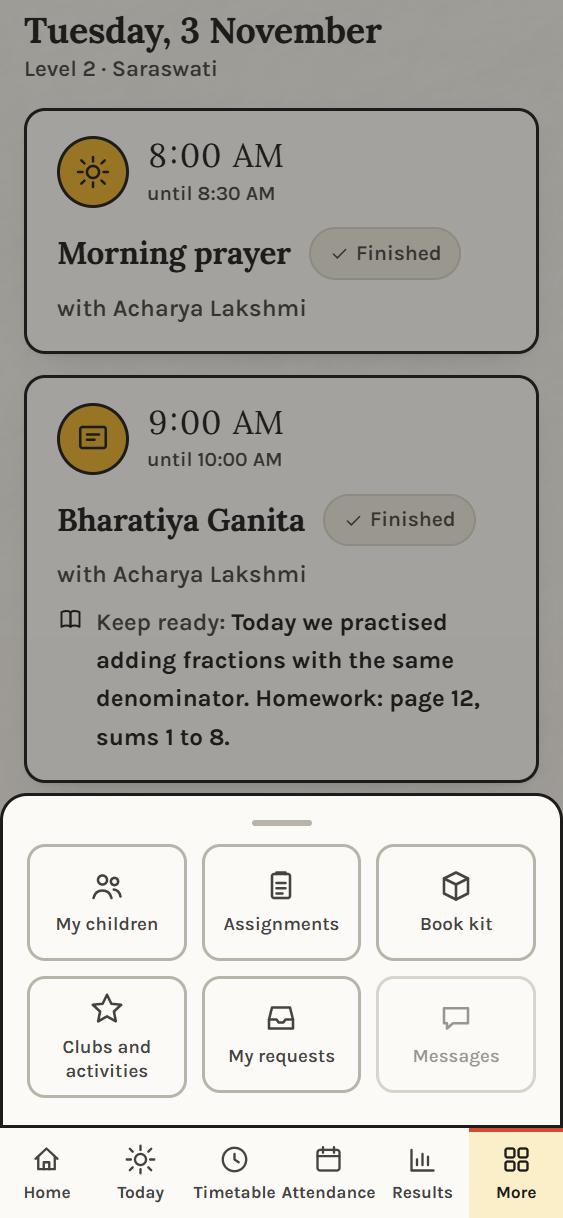
MoreMy children, Assignments, Book kit, Clubs and activities, My requests, and Messages when it opens. 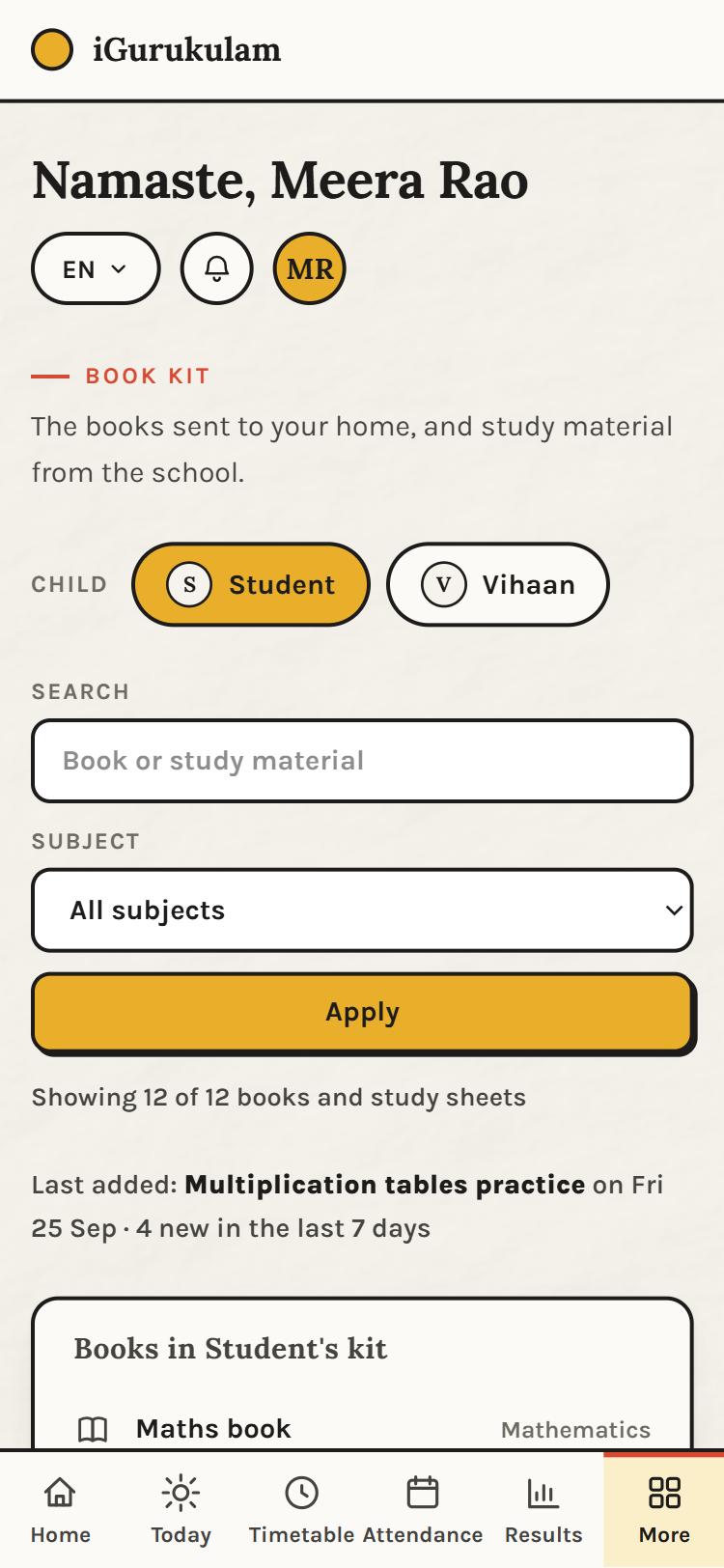
Book kit design previewThe books sent home and the study material from the school, searchable by subject. Shown with sample content; it connects to the school's records next.
For the student
The child's own login
Aanya signs in with her Child ID and the password her parent set. Her screens are about doing: join the class, answer the assignment, see the marks.
- Join each class with one tap when it opens
- See what to keep ready before class
- Answer assignments: choose, type, photo or voice
- Send work and see it marked, question by question
- Know which topics are strong and which need practice
- Check attendance and the weekly timetable
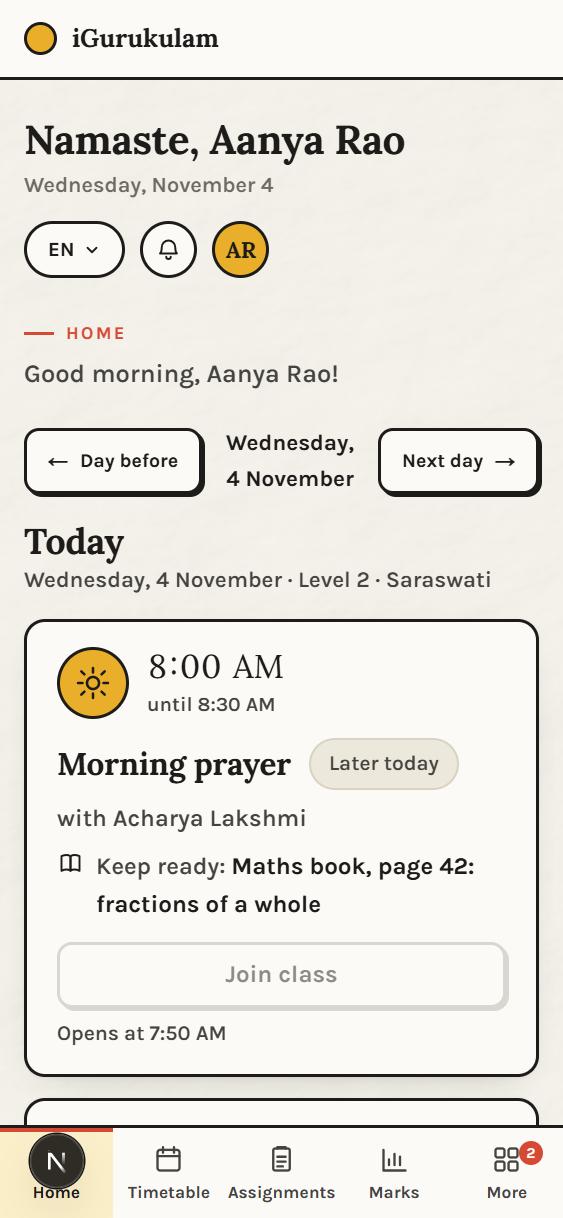
HomeGood morning: today's classes in order, what to keep ready, and the Join button that opens ten minutes before the class. 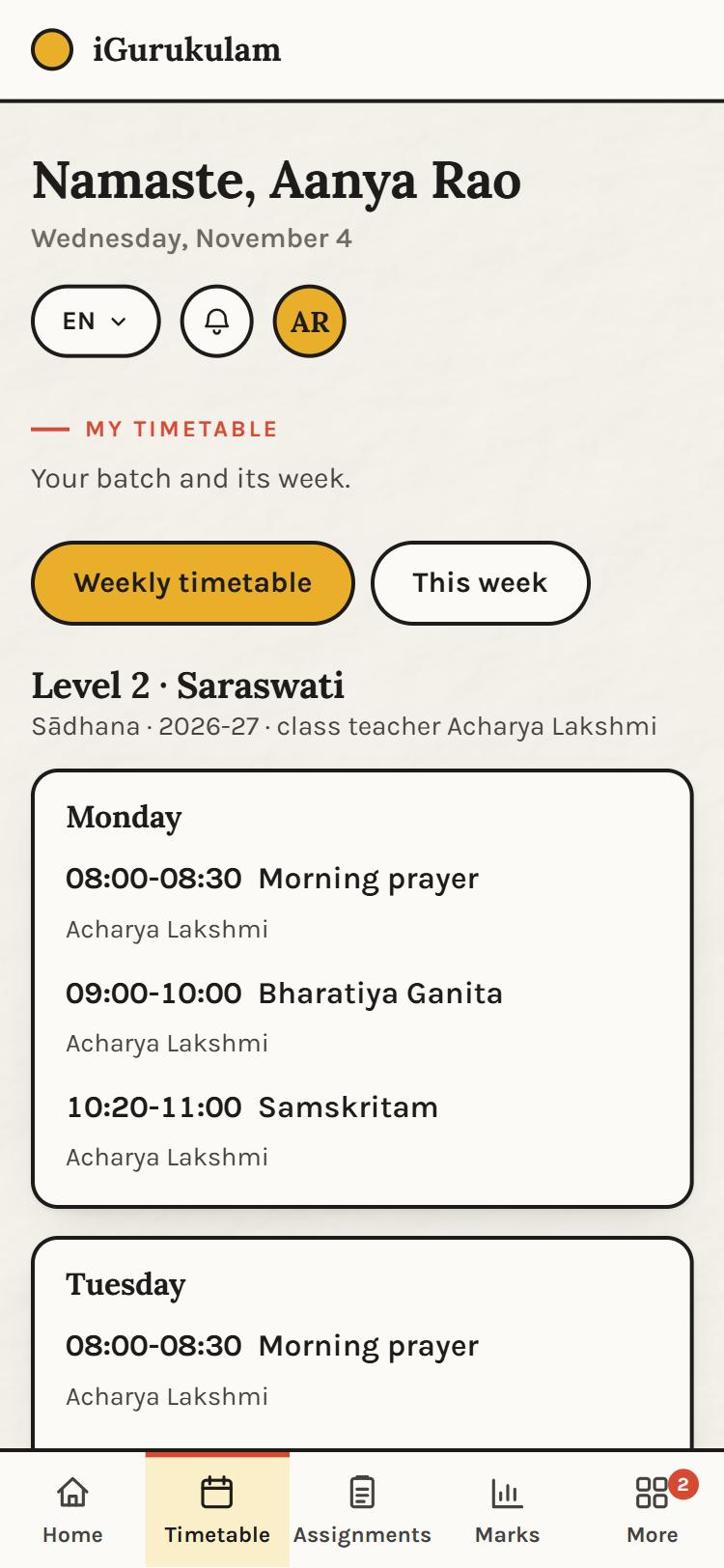
My timetableThe weekly timetable and this week's classes, with each subject's teacher. 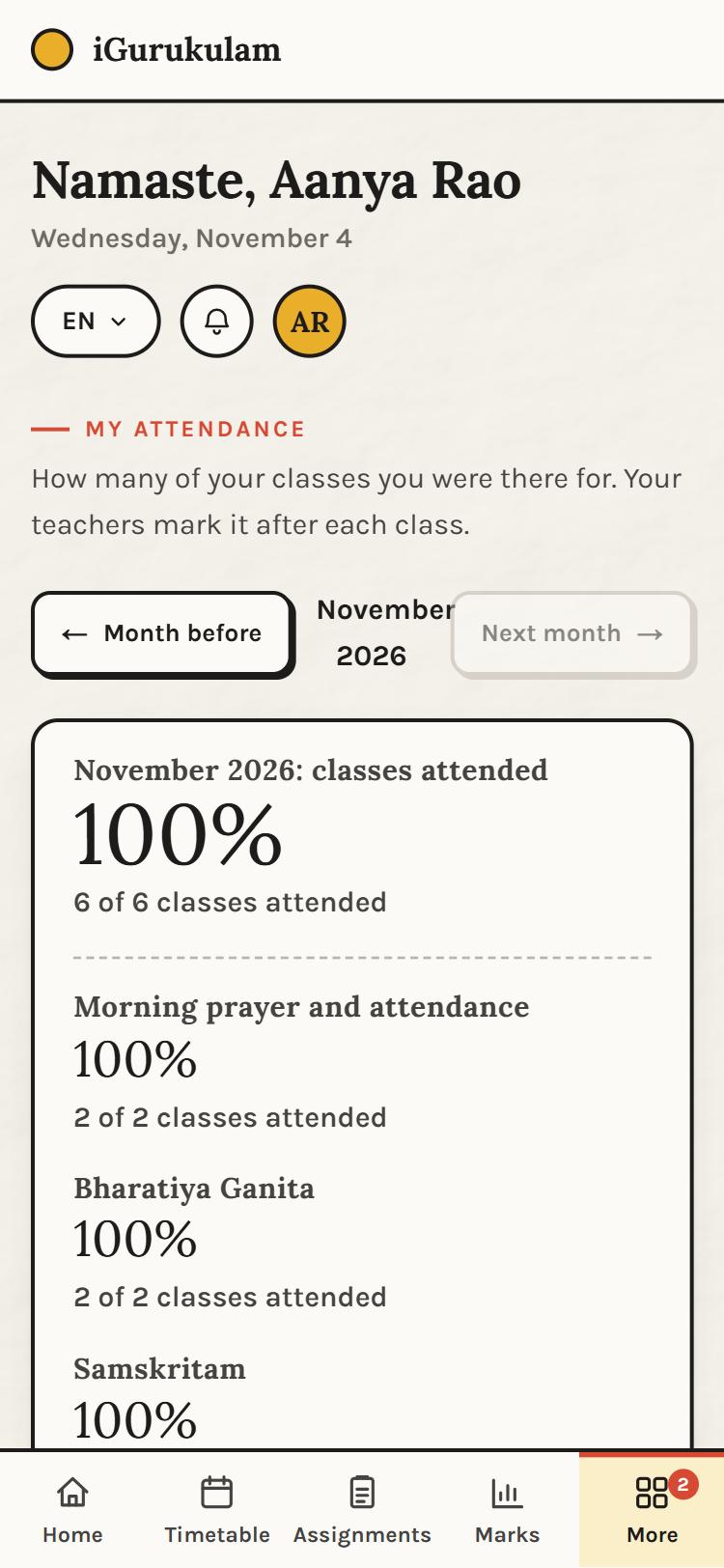
My attendanceHow many classes the child was there for, overall and per subject, month by month. 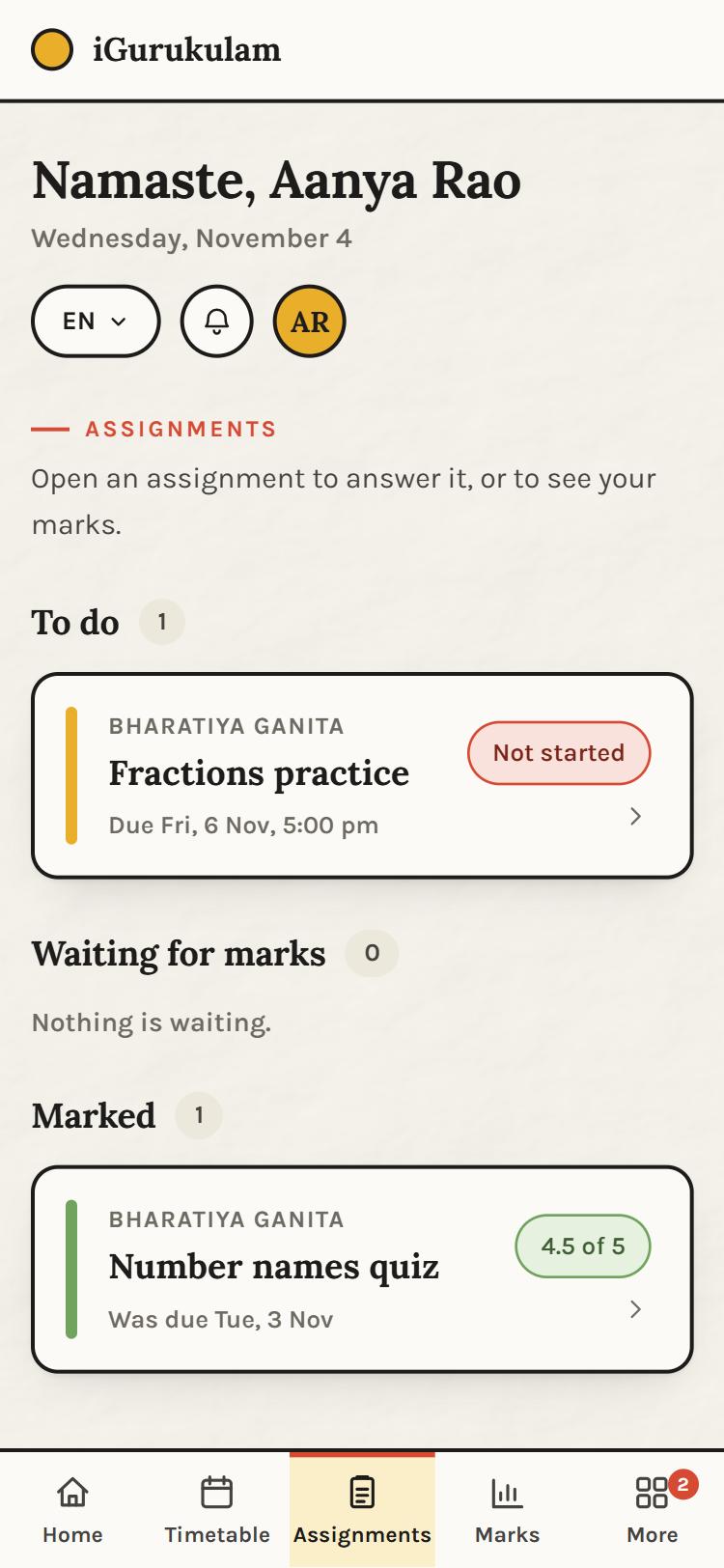
AssignmentsTo do, waiting for marks, marked. Open one to answer it, or to see the marks. 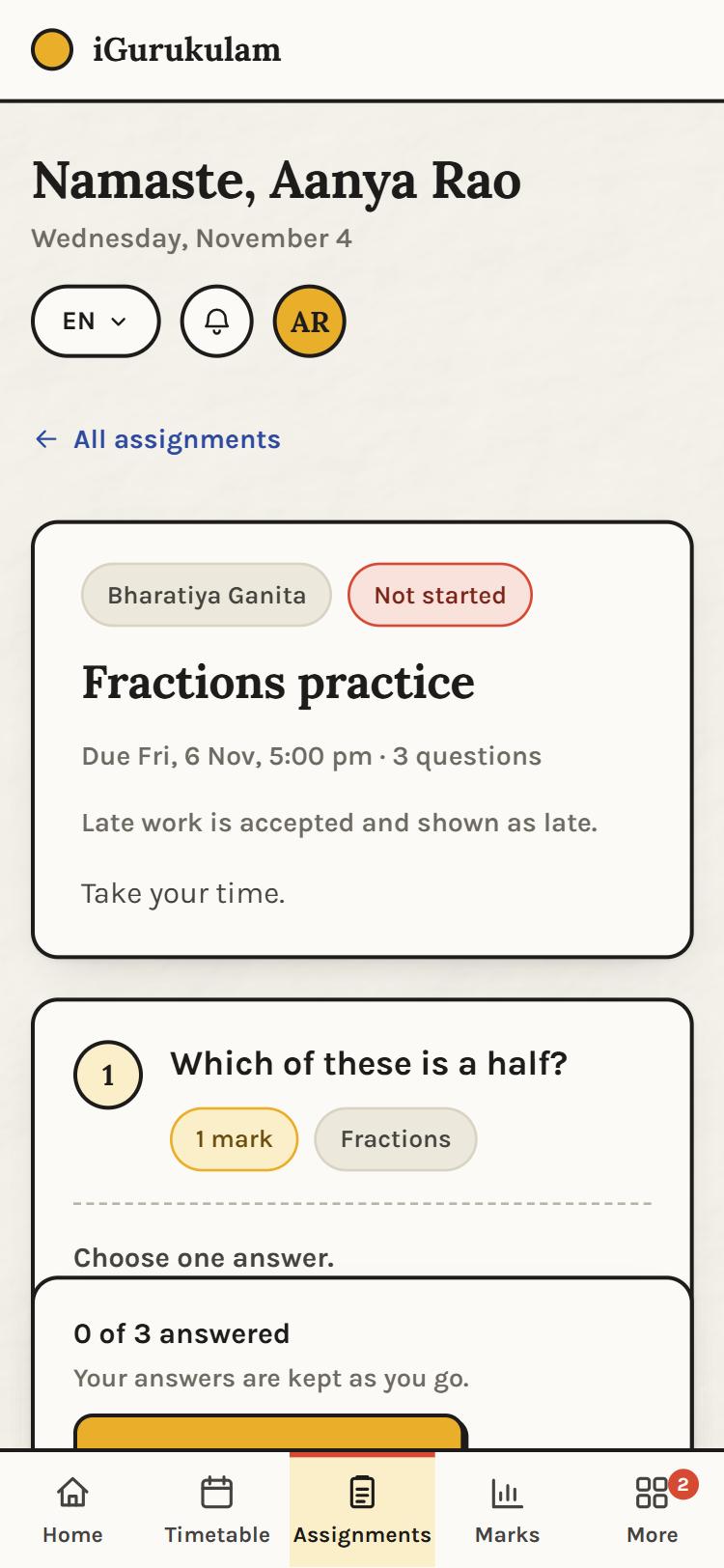
AnsweringEach question with its marks and topic. Choose, type, take a photo or record a voice note; answers are kept as you go, then sent with one tap. 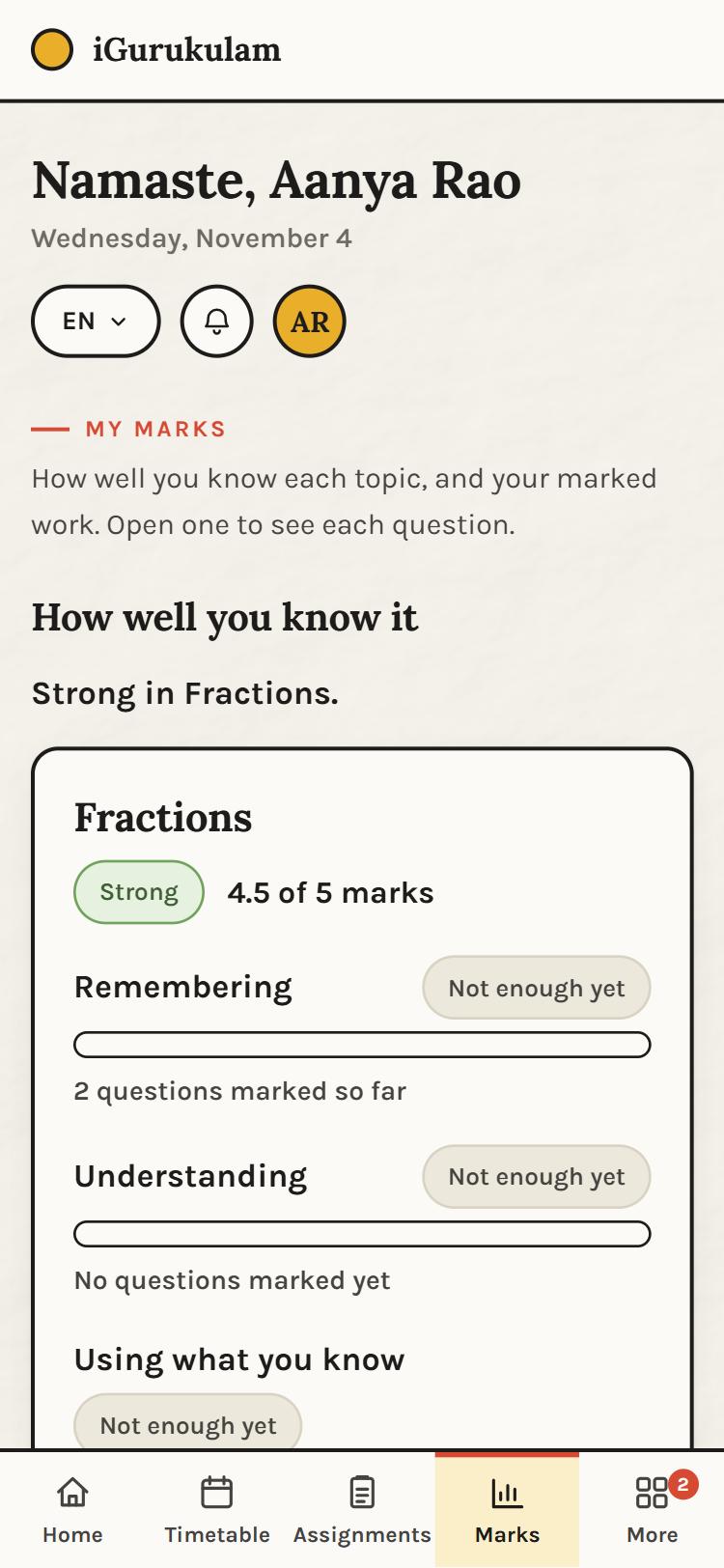
My marksHow well you know each topic, by kind of thinking, with the pieces of marked work underneath. 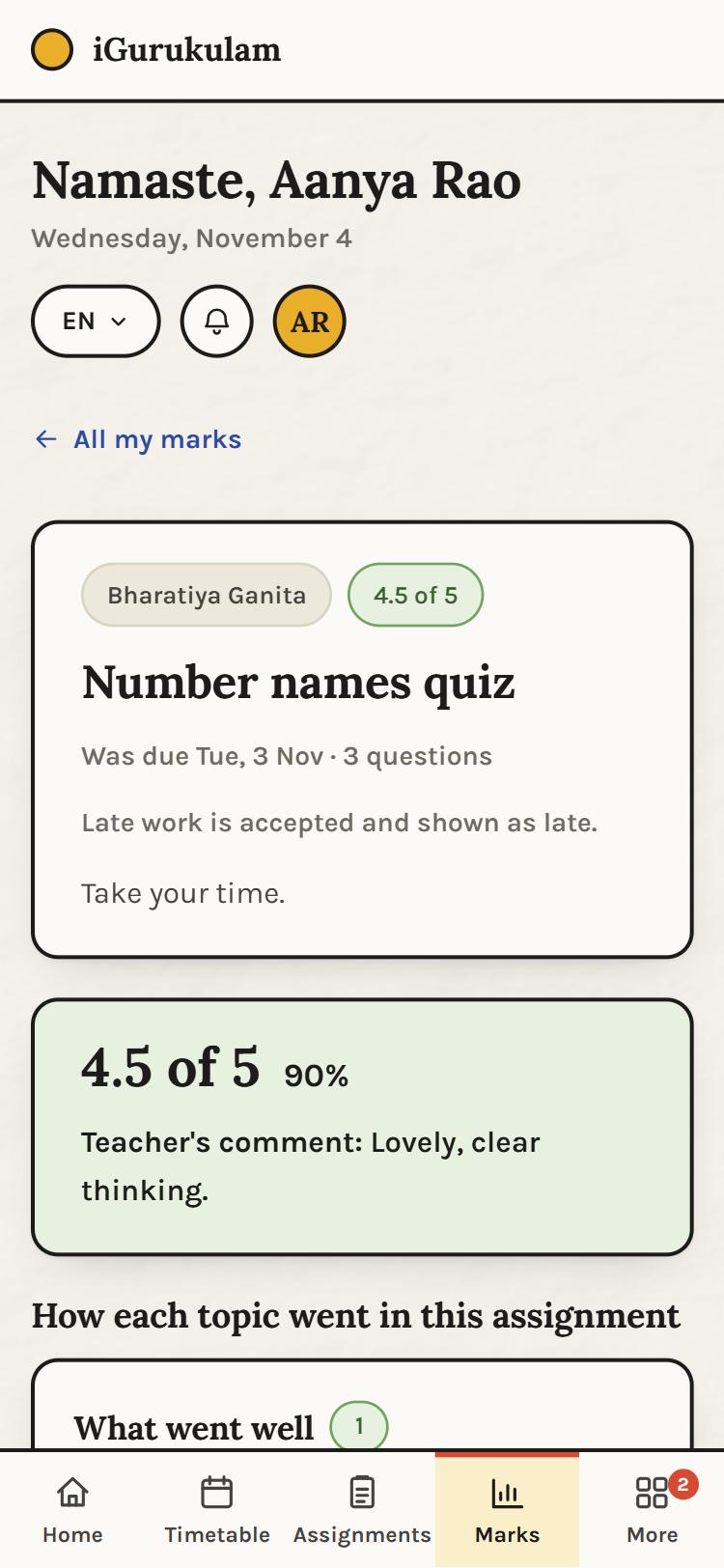
A marked assignmentThe marks, the percentage, the teacher's comment, and what went well. 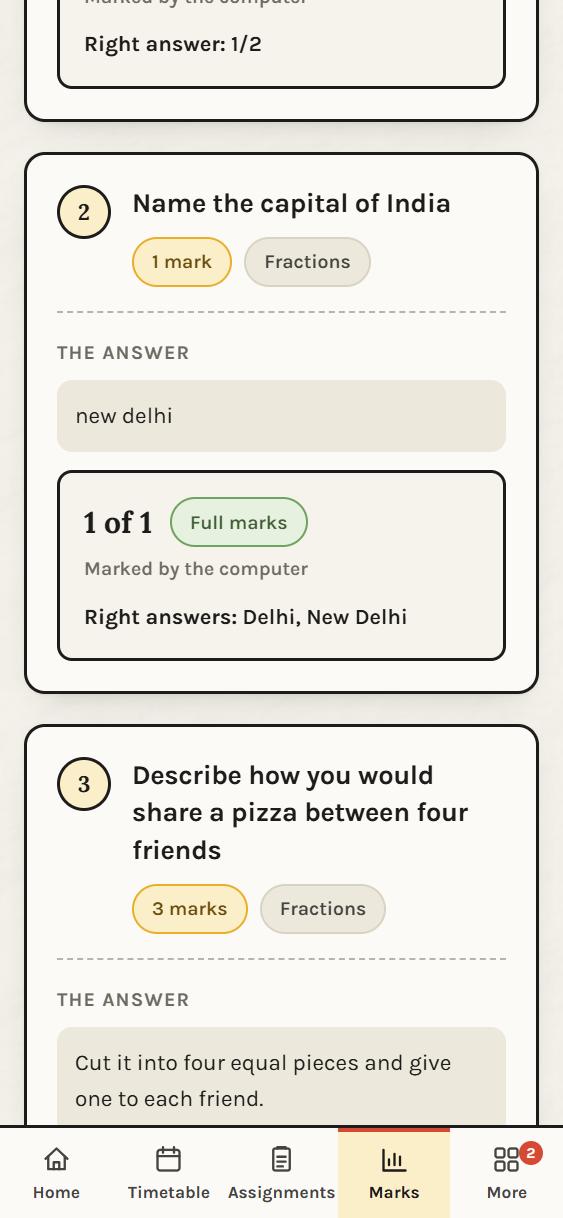
Each answerQuestion by question: the answer given, the marks, who marked it, and the right answer where the teacher chose to show it. 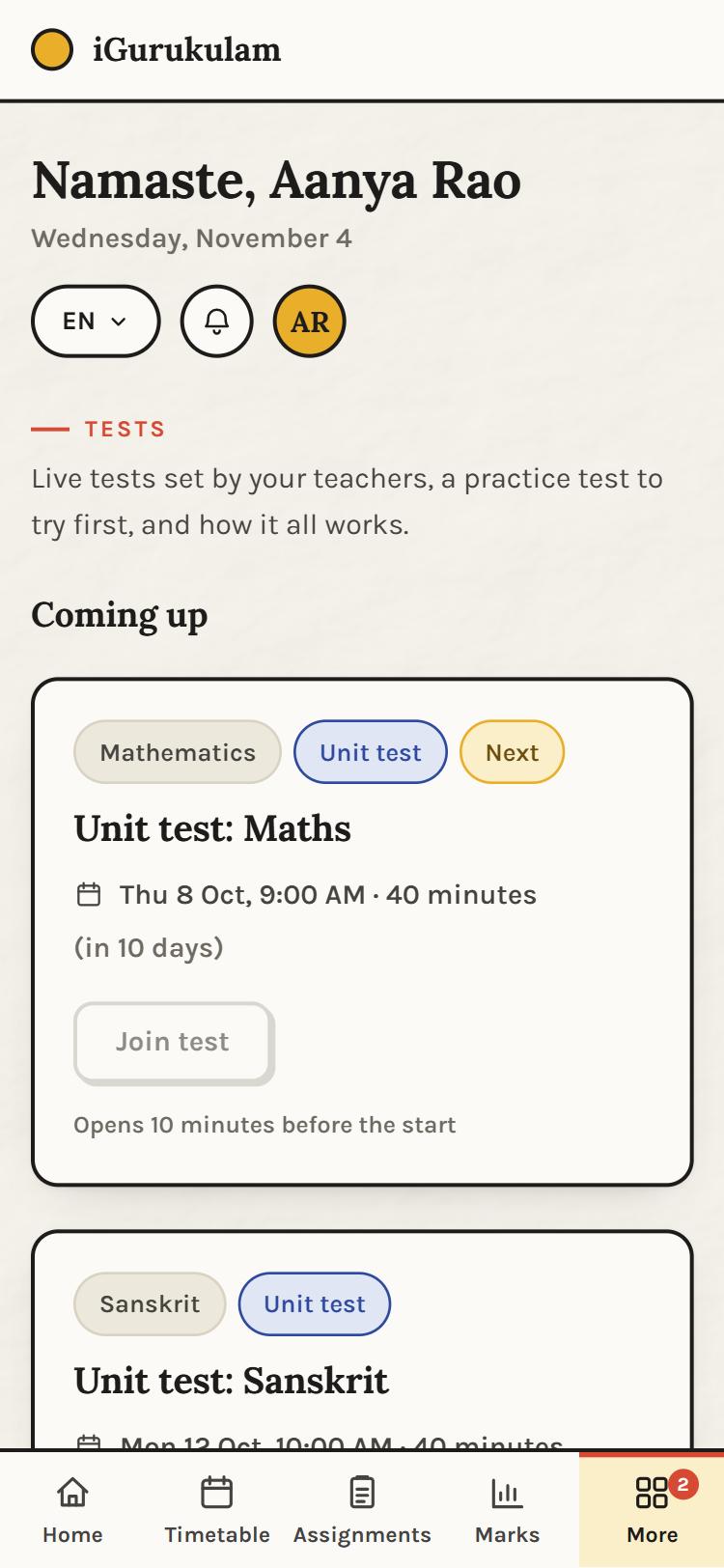
Tests design previewLive tests set by the teachers, a practice test to try first, and a Join button that opens ten minutes before. Shown with sample content; live tests are the next feature. 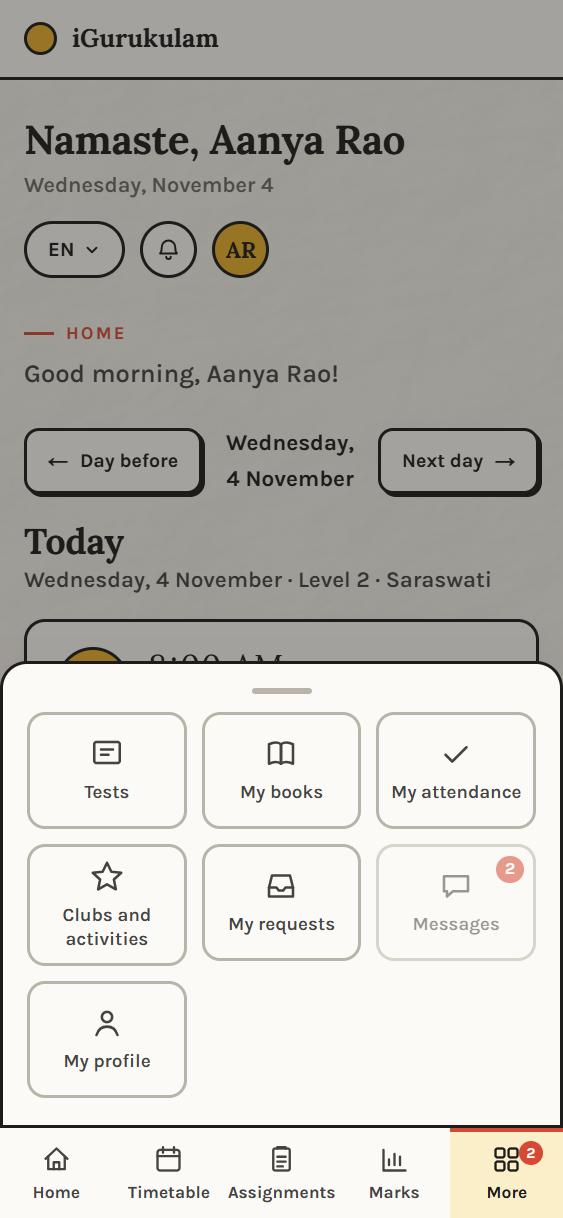
MoreTests, My books, My attendance, Clubs and activities, My requests, Messages, and My profile.
Not on this page
What else the school runs on
- The teacher's screens. Their day, roll call, the assignment builder and marking, and each student's growth profile.
- The school office. Admissions, the enrolment queue, batches and timetables, holidays, attendance across the school.
- Coming next. Live tests, messages between home and school, clubs and activities, the book kit tied to each child's level.
- On a computer. Every screen here also works on a laptop, where the bottom bar becomes a side menu.